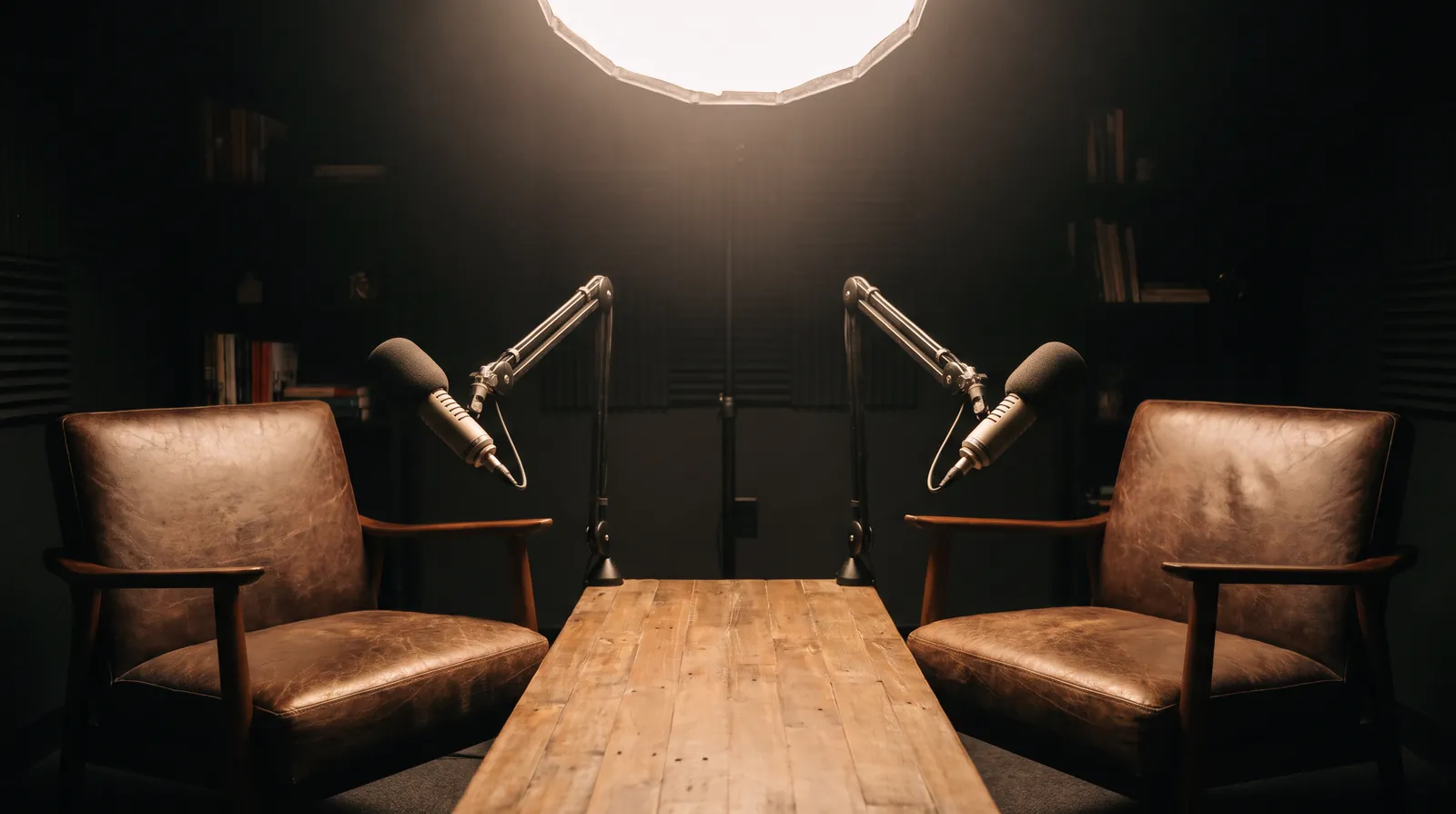
Record video if you can
A clip with the speaker’s face holds attention better than a waveform. If the podcast is audio only, use a photo and large captions: it works, but video works better.
Pick answers, not topics
A clip is one idea: a question and its answer, a story with an ending, an opinion stated in one sentence.
Avoid excerpts that depend on what was said before. If it needs explaining, it is not a clip.
Build the clip
The clip is watched on a phone, often with the sound off.
- Opening.Start on the strong line. The question can go on screen as text.
- Captions.Every line captioned, in time with the voice.
- Framing.Vertical, speaker in the center. In a conversation, cut to whoever is speaking.
- Context.One line with the speaker’s name and the show.
Ask permission when the podcast is not yours
If you clip interviews from other shows, check first that you are allowed to. Some shows allow clip pages, with their own rules; others do not. Always name the show it came from.
Post for weeks
Do not spend the episode in a day. Spread the clips over several weeks and post the same clips on TikTok, Reels and Shorts.
One account only has room for a few a day. Pages dedicated to the guest let you post more.
Where LUSIDATA comes in
We cut your interviews, podcasts and public appearances and post the clips every day across a network of pages built for you. In most cases we work from what is already public. See interview and podcast clips for public figures.
Other guides
- MusicHow to promote music on TikTok
- StreamersHow to clip Twitch streams for TikTok
- E-commerceAI UGC videos for brands: what they are and how to use them
- Film & TVHow to promote a movie on TikTok
- GamingHow to market an indie game on TikTok and Shorts
- AgenciesWhat is a clipping agency?
- ComparisonClipping vs UGC: what is the difference?
- ClippersWhat is a clipper, and how is it different from an editor?
- CampaignsWhat is a clipping campaign, and how do you start one?
- HiringHow to find clippers for your stream, podcast or brand